


 What You Need to Know
If your JLG aerial work platform suddenly displays an error code or becomes unresponsive, this does not automatically mean it is defective. In most cases, it is due to a safety or protective function .
This guide explains what the codes mean, how to interpret them correctly, and when a technician is needed.
Fundamentals of the JLG error code system
Two stages of fault diagnosis
JLG uses a two-stage system with
- User Fault Codes (Blink Codes) – visible LED signals on the control panel, indicate simple operating or power errors.
- Service Fault Codes (DTC) – complex faults that are read out using the JLG Analyzer tool.
Scissor lifts (e.g. 1930ES, 2630ES) use flashing patterns, telescopic lifts (e.g. T350) use detailed DTC codes.
User Fault Codes
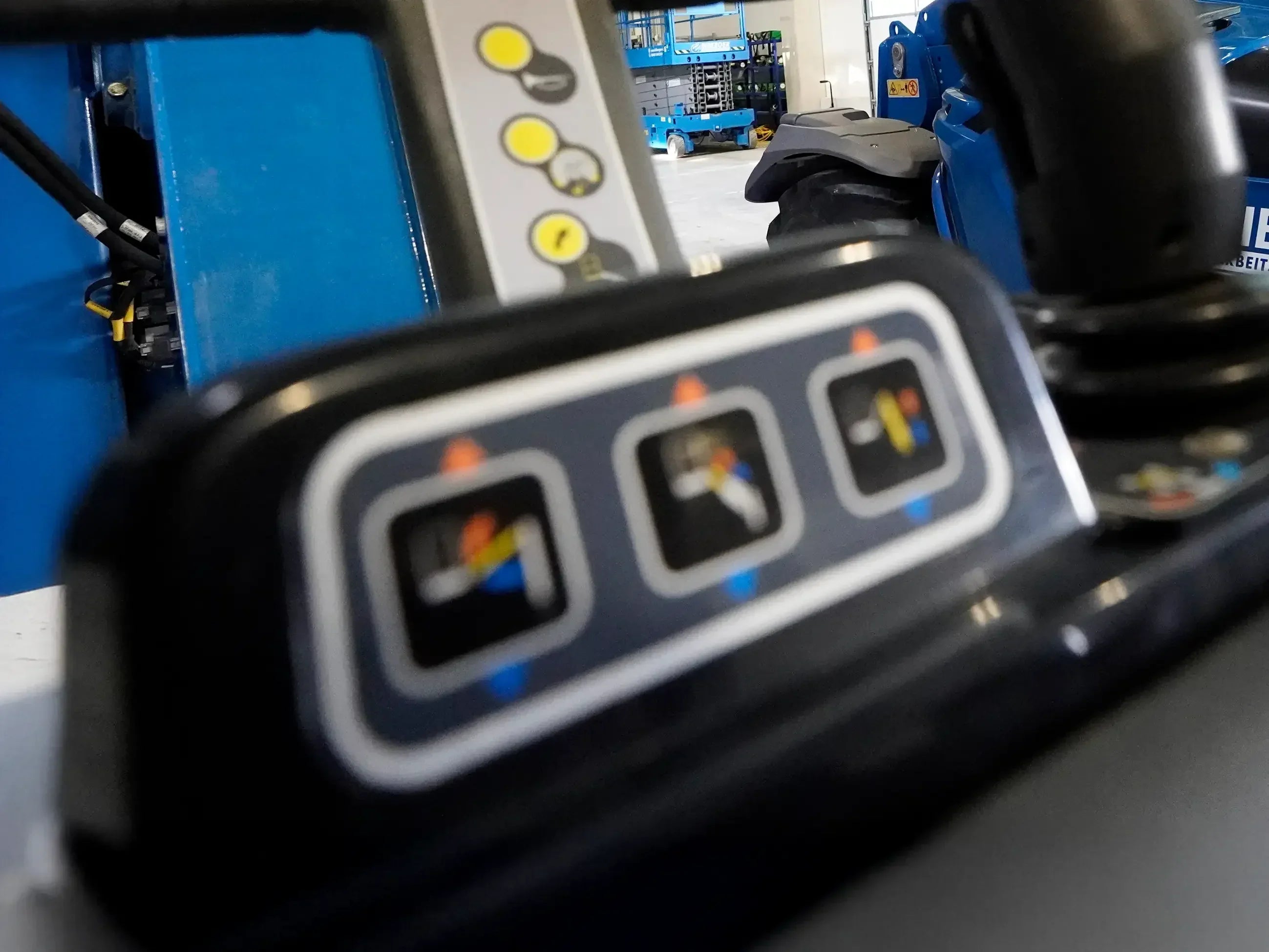
Blink codes on the control panel
| Flash Code | Meaning | measure |
|---|---|---|
| 0 | Chassis tilt sensor out of range / creep mode active | Align stage or confirm creep mode |
| 1x flash | Procedure Error – Incorrect Operating Sequence | Center joystick, check triggers, restart |
| 2 flashes | Vehicle Setup – Boom/Outriggers not correct | Check outriggers, lower platform |
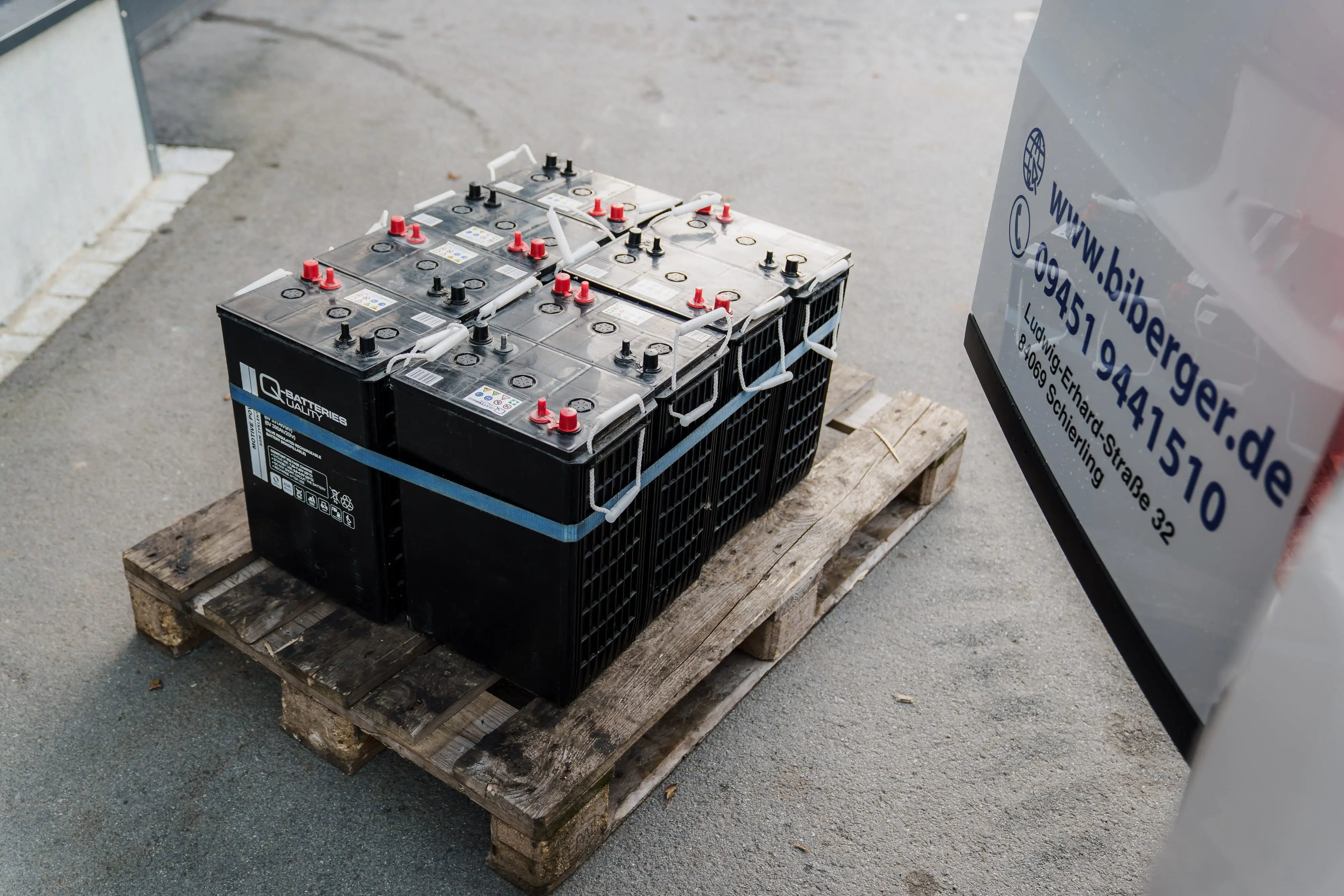
| 3 flashes | Battery / Charge System Error | Check battery voltage (24 V ± 5%) |
| 4 flashes | Excessive Duty Cycle – Overload/Overheating | Allow to cool down, reduce load |
| 5 flashes | Engine Start / Turn-Off System Error | Check ignition/starter/control unit |
| 9 flashes | Vehicle Requires Service | Contact a service technician |
Flashing pattern on the control panel
For scissor lifts, the status is indicated by an LED on the control panel or directly on the charger. Codes 1–5 and 9 are active; 6–8 are unused.
Battery charger error codes
| Flashing pattern | Meaning | Solution |
|---|---|---|
| 1x flash | Charging process normal | No action required |
| 2 flashes | Charging error – check battery | Check connections/voltage |
| 3 flashes | Charger overheats | Let it cool down, then restart. |
| 4x + flashing | Internal hardware error | Replace charger |
If the LED does not light up at all or remains permanently red: Check the power supply/fuse – the charger may be defective.
Categories of Service Fault Codes (DTC)
Category 0 – Status messages (context-dependent)
Flash Code 0 is not an error message, but indicates different operating states:
- Chassis Tilt Sensor Out of Range – Stage Not Leveled
- Engine Not Running – Engine off (normal when extending)
- Joystick Moved But Trigger Open – Joystick moved, trigger not pressed
- Running at Creep – Slowing down on incline or material hook
Category 2 – Control Panel & Control
| code | Meaning | Quick solution |
|---|---|---|
| 2-1 | Keyswitch Faulty or Platform Position Detection Faulty | Check switch position/contacts; calibrate analyzer if necessary. |
| 2-2 | Joystick error: not centered, trigger stuck, potentiometer out of range | Center joystick, check trigger, analyzer measurement |
| 2-3 | Function key/solenoid faulty: key stuck or valve defective | Release the button, clean the connector, use an analyzer for diagnosis. |
| 2-5 | Function blocked (e.g. telescope not retracted) | Retract telescope, lower stage, check outrigger |
Category 3 – Electrical & Solenoid Valves
- Open Circuit: Coil interrupted (winding defective). Affects lift, swing, telescope, outrigger, start, and choke solenoids.
- Short to Ground: Insulation failure due to moisture/corrosion.
- Short to Battery: Short circuit in line/module – critical.
Action: Measure coil resistance (ohms), check connector, replace valve. DTC clearing by a technician only.
Example: If "Lift Up Solenoid Short to Ground" occurs, the stage will not rise – check the cable insulation between the ground module and the valve.
Category 4 – Thermals & Battery
- 4-2 – Thermal Limitation → Allow the device to cool down
- 4-4 – Battery voltage outside tolerance → Check charge level
- 4-6 – Electronic fault in the power module → Service required
Category 9 – CAN bus & comprehensive service errors
Flash Code 9 is a collective code ( "Vehicle Requires Service" ). It encompasses CAN bus , sensor, solenoid, and hardware faults. Detailed diagnostics are performed using the analyzer tool.
Typical CAN bus errors under code 9
- CANBUS Failure – Drive Module (Engine control unit not recognized)
- CANBUS Failure – Platform Module (Control Panel Not Recognized)
- CANBUS Failure – Power Module (Power supply interrupted)
- CANBUS Failure – Accessory Module (Accessory module not recognized)
Other common service errors under code 9
- Solenoid Open / Short (e.g. Lift, Swing, Telescope)
- Sensor error (tilt, load, joystick sensor)
- EEPROM / Hardware error (memory, processor, reference voltage)
Note: The official JLG manual documents over 100 error types under Flash Code 9 – including every hydraulic solenoid function and several sensor variants. This page shows the most common ones. For the complete list, see the JLG Knowledge Base ( jlg.com/directaccess ).
Action: Check connections/battery, restart. If code 9 persists → Analyzer diagnosis by service technician.
Category 7–9 – Engine, sensor and hardware faults (visible via code 9)
- Engine: Start solenoid open/short, pump line interrupted, throttle/choke fault
- Sensor: Tilt sensor not calibrated, joystick potentiometer X/Y out of range, load sensor faulty
- Hardware: EEPROM failure, ground/power module failure, defective processor
Troubleshooting – Practical Guide
Typical sequence of events with error codes
- Visual inspection: cables, plugs, fuses, valves.
- Battery measurement: 24 V ± 5 % under load, clean terminals.
- Check hydraulic oil level: refill if necessary.
- Restart: Codes only disappear when the underlying cause is resolved.
- Documentation: Send a photo/video of the display and a code note to the service department.
Overview of model differences
| Model series | system | Advertisement | Special features |
|---|---|---|---|
| Scissor lifts (1930ES, 2630ES, 1230ES) | Flashing pattern (1, 2, 3, 4, 5, 9) | LED on the control panel / charger | 6 active blink codes; 6–8 unused |
| Telescopic platforms (T350, T500J) | Extended DTC system | LED + Analyzer | Complex CAN bus communication with many DTCs |
| Vertical stages (Toucan series) | Simple flashing system | LED on the control module | Focus on engine and safety shutdown |
Law & Security in the Workplace
Am I allowed to delete error codes?
No. Error codes only clear once the actual cause has been resolved and the stage is restarted. Simply switching it off is not enough. Access to the analyzer tool is restricted to trained JLG technicians.
For rental equipment
- ✓ Daily visual and functional inspection (DGUV)
- ✓ Report errors, do not delete them
- ✗ No analyzer access or parameter intervention
Correct procedure for error codes
- 1) Photograph and write down the code
- 2) Secure and shut down the stage
- 3) Contact BIBERGER 24/7 emergency service
Legal consequences for non-compliance
- Liability for personal injury/property damage
- Warranty loss
- Insurance company refuses to pay out
- Violation of DGUV/BetrSichV
Summary
| situation | Allowed | Not allowed |
|---|---|---|
| Error code appears | Document the code, inform the service. | Delete or ignore yourself |
| Analyzer tool | Only through JLG technicians | Use by tenants or private users |
| Fix | Battery, oil, visual inspection | Software or parameter interventions |
JLG error codes are not a cause for panic, but rather valuable information. Often, they simply indicate a protective function that can be resolved with a simple visual inspection or voltage measurement. Service codes may only be read and reset by trained JLG technicians. For rental equipment: Report errors to BIBERGER immediately – please do not attempt to clear them yourself or continue working.





Share:
Operator responsibilities for work platforms and forklifts
Merlo error codes for telehandlers & platforms
Our editorial quality standards
The subject content on biberger.de are editorially created, reviewed, and continuously updated. The basis is our daily work with aerial platforms, telehandlers, and industrial trucks – in rental, sales, operational planning, and technical support.
Each article draws on real-world experience and is editorially reviewed for clarity, accuracy, and practical relevance according to expert criteria. Technical statements are regularly compared against current industry standards and best practices.
The aim of our publications is to make reliable specialist knowledge accessible and to offer guidance to users, decision-makers and industry partners. BIBERGER sees itself as an independent information platform for safe, economical and modern height access technology – well-founded, comprehensible and free from advertising influence.