






 What You Need to Know
To operate a mobile elevating work platform safely, you need to know more than just a few levers. Every platform – whether scissor lift, telescopic boom lift, or articulated boom lift – has its own control logic. And this is precisely what determines whether your operation runs smoothly, efficiently, and, above all, safely. Especially with changing equipment or rental platforms, it's crucial to quickly understand the controls – from the drive system to the fine control of the height.
In this guide, we'll show you how to systematically familiarize yourself with the controls, which functions are relevant for modern stages - and what you should pay particular attention to when using them for the first time.
Basics of control: similarities and differences
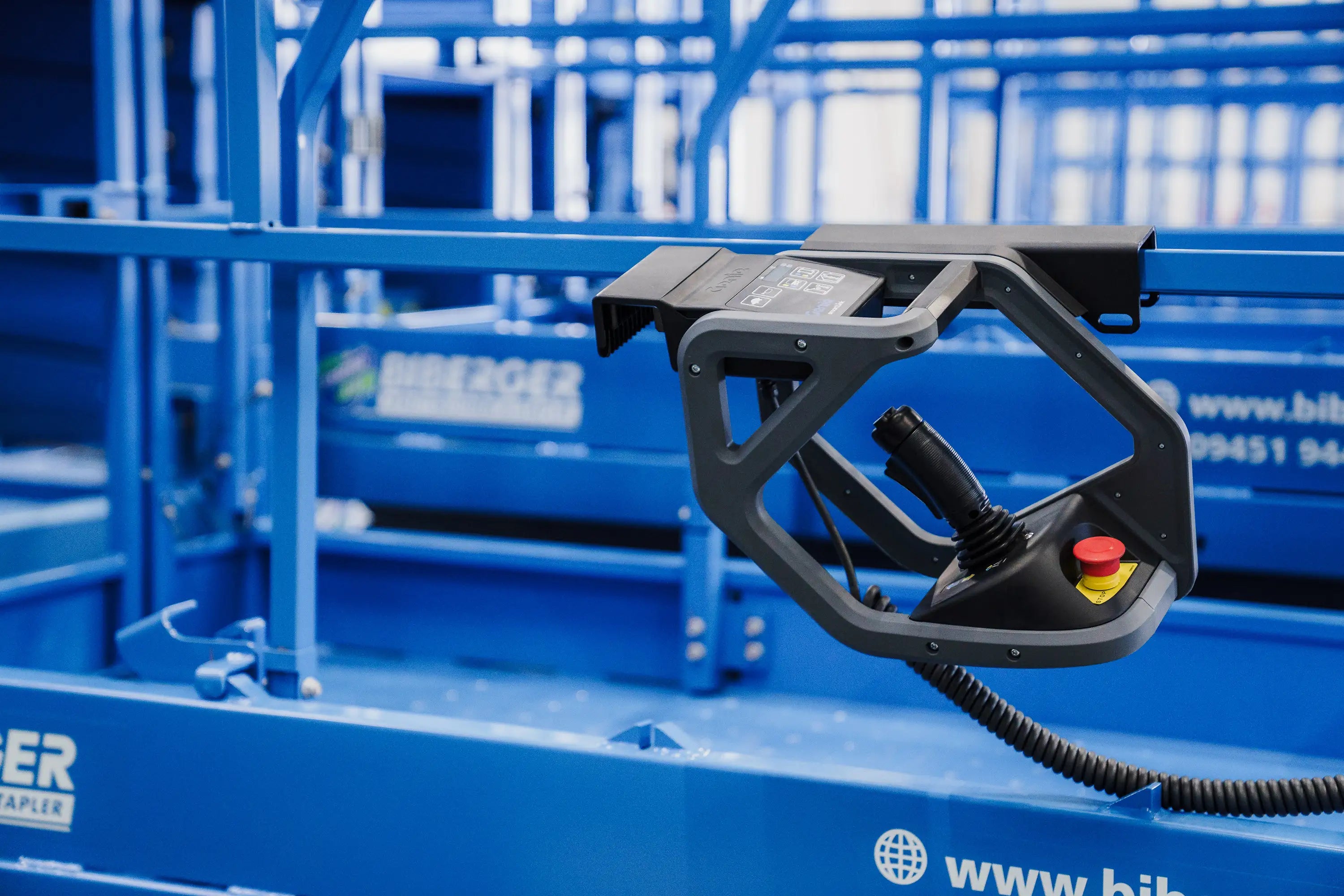
The controls are the central operating element of every aerial work platform – they determine how safely and precisely you can work. Regardless of the type of aerial work platform, there are some basic control functions that are common to all: joysticks or levers for vertical and horizontal movement, switches for raising and lowering the platform, and an emergency stop button for emergencies. The exact layout may vary depending on the device, but the principle remains the same: Only those who truly understand the controls can have complete control of the platform.
Different approaches to control
Depending on the type of aerial work platform —be it a scissor lift , an articulated boom lift, or a boom lift —the controls and their layout can vary. Scissor lifts often have simpler controls, as their movements are typically limited to up and down movement and driving. Truck-mounted, articulated, and boom lifts, on the other hand, offer more complex systems and greater freedom of movement.

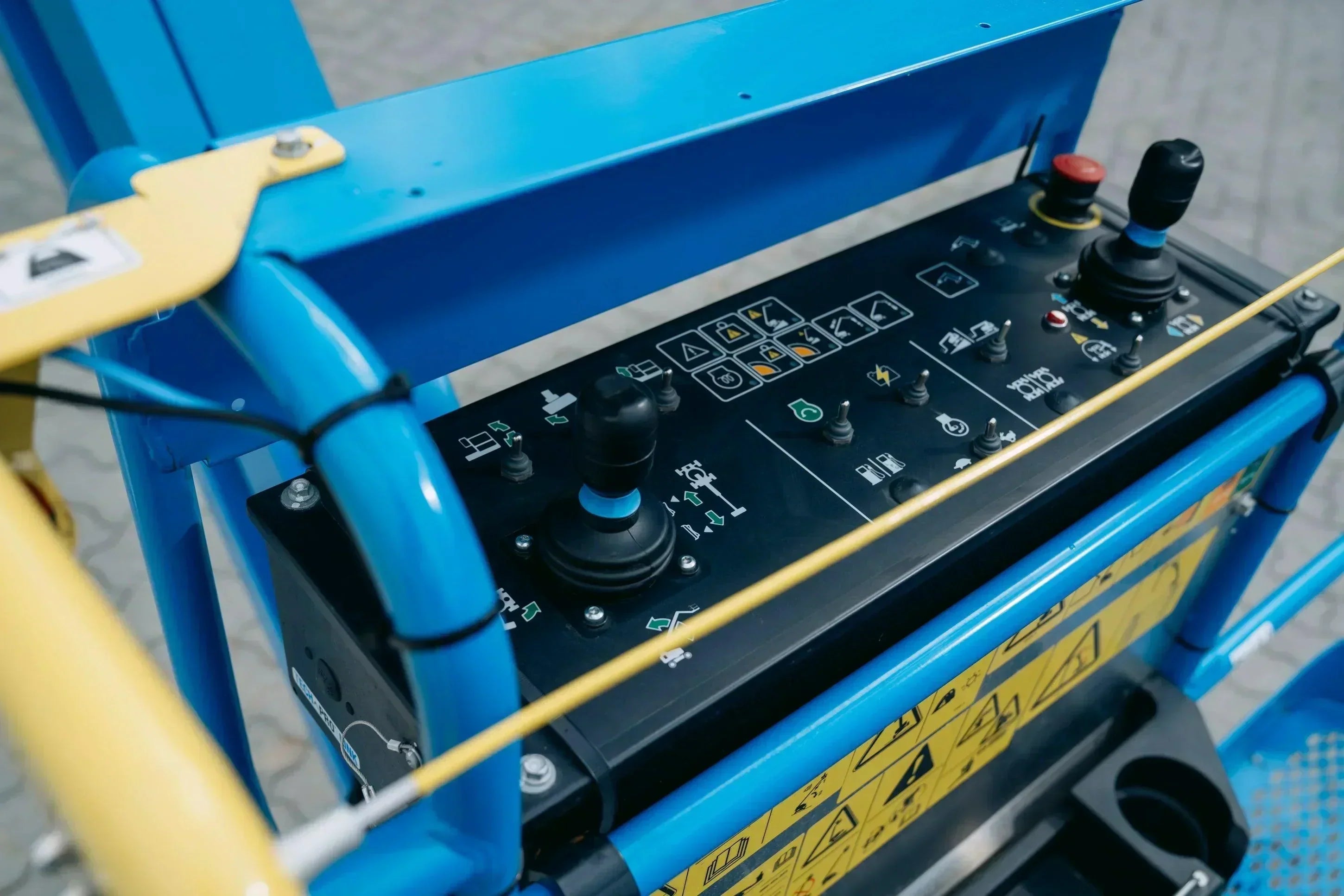
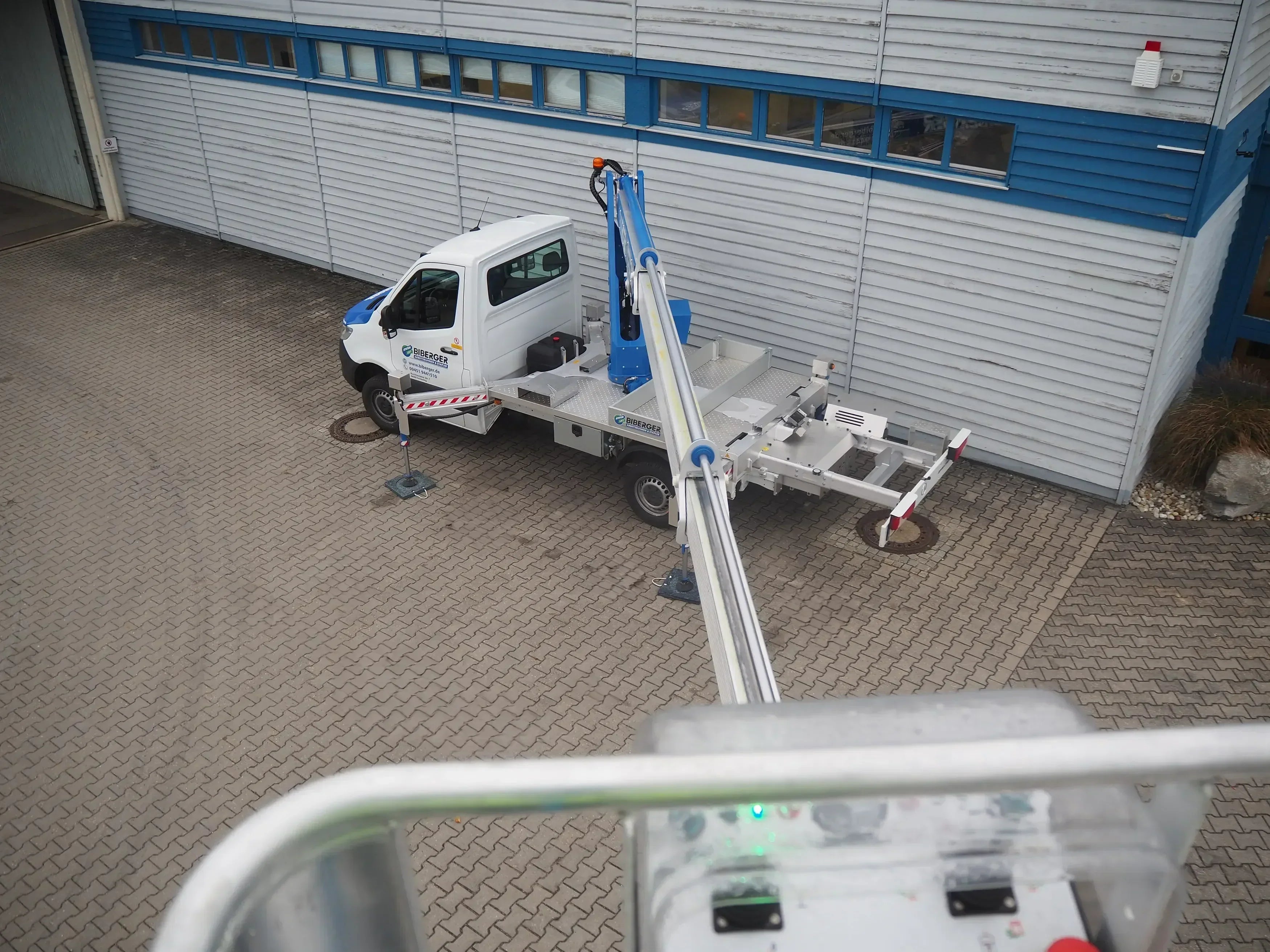
Control unit in the work basket of an AICHI work platform
Digital versus analog control
Modern aerial work platforms typically use digital controls that are more precise and offer diagnostic features. Older or simpler models may have analog controls that are less complex but also less accurate.
Marking and symbols
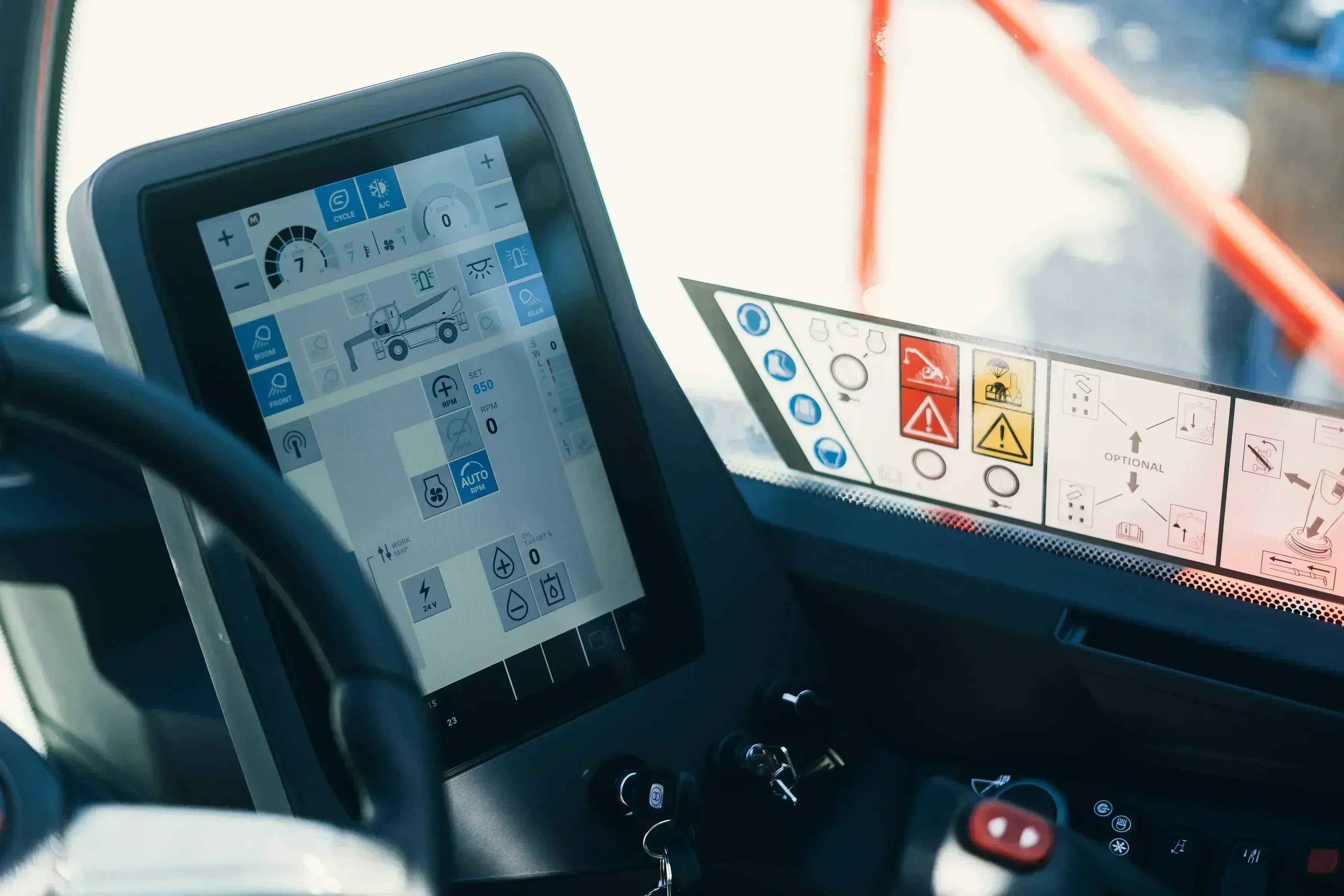
Controls are identified by symbols and colors to facilitate operation and avoid misunderstandings. Knowledge of these symbols is essential for safe operation.
The control panel: your command center at height
The control panel is the central interface between the operator and the platform. Height and position are adjusted here, and important safety functions are monitored.

The control panel is designed intuitively: important functions are easily accessible and clearly labeled to avoid incorrect operation.
From lifting to panning to tilting: These are the controls you should know
The most important controls on the console of a work platform and their functions:
Engine control
The engine is started using a key switch or start button. This supplies hydraulic and electrical systems with power. Always check the surroundings and systems before starting.
Raising and lowering
Buttons or levers for raising and lowering are key elements for bringing the platform and operator to the desired height.
Sway
Use the swivel lever or knob to change the orientation of the stage without moving the base.
Tend
The tilt control allows the platform to be tilted to work in hard-to-reach areas.
Direction of rotation switch
It changes the direction of rotation, often in combination with the joystick.
Exiting and retracting
On telescopic and articulated arm platforms, separate controls control the extension and retraction of the arms.
Support leg extension
Controls for extendable supports provide additional stability.
Emergency stop switch
A critical safety mechanism that stops the machine immediately in an emergency.
Signal horn
The horn alerts other people on the construction site to the movement of the stage.
Additional control functions
Depending on the model, cruise control or special locks may be available.
Color-coded arrows: Your guide in the right direction
The colored arrows on the joystick and the stage are aligned and point in the same direction. This allows you to maintain control at all times, even without looking at the base.

Practical tips: How to quickly familiarize yourself
- Study the instructions: Read the operating instructions and safety information before your first ride.
- Training by qualified personnel: Get trained by an experienced colleague or technician.
- Dry runs: Practice all movements while standing before going up.
- Simulation exercises: Use VR or simulation software if available.
- Start small: Start with simple maneuvers and slowly increase the complexity.
- Understanding error messages: Learn the warning signs and response steps.
- Regular practice: Repetition strengthens the feeling of operation.
- Use a checklist: Create a daily check and start checklist.
Always remember: safety first – no job is so urgent that it replaces thorough preparation.



Share:
From railings to emergency stops: safety devices on work platforms
Visual and functional check: Why it is mandatory before every use
Our editorial quality standards
The subject content on biberger.de are editorially created, reviewed, and continuously updated. The basis is our daily work with aerial platforms, telehandlers, and industrial trucks – in rental, sales, operational planning, and technical support.
Each article draws on real-world experience and is editorially reviewed for clarity, accuracy, and practical relevance according to expert criteria. Technical statements are regularly compared against current industry standards and best practices.
The aim of our publications is to make reliable specialist knowledge accessible and to offer guidance to users, decision-makers and industry partners. BIBERGER sees itself as an independent information platform for safe, economical and modern height access technology – well-founded, comprehensible and free from advertising influence.